
You can view your current license level and modules in the Info section, located in the bottom-left corner of the interface.
If you upgrade your license and add the ADV module, it will appear in this section. Please note that the license key itself does not change after the upgrade.
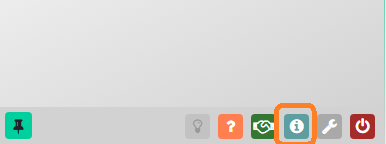
Important: your Wi5stars automatically updates its license information every hour. If you need to apply for the upgrade immediately, click the Update button in the License section.